
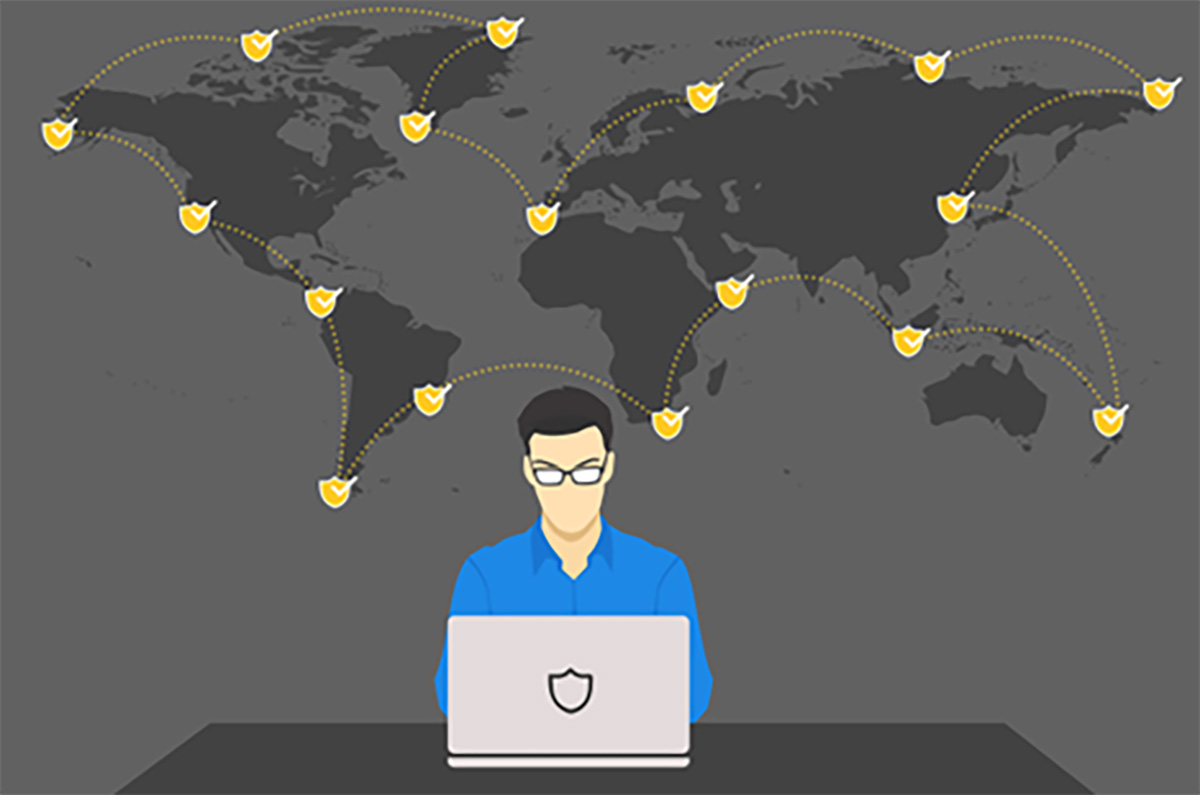
It is only due to the efforts of state and private cybersecurity across the world that the cyber threat matrix has not yet become a ‘runaway train.’ With the snowballing nature of global cyber threats it’s never been more important than now to keep your head in the game – your eye on the ‘ball.’ Threats are intent on destroying computers, stealing data, or taking your money. Understanding what they are and how security protections against them work will come in handy.
Threats arrive from far and near, with new variations appearing every day, so let’s look at the top 5 cyber threats for 2026.
What are the top 5 major threats to cybersecurity?
There are many varied forms of threats. Some are old, some are new, and some are very tricky. The most common, or top 3 tend to stay the same over the last few years.
1: Phishing
The ‘winner’ again this year, phishing is consistently the most common form of attack. It’s like the invention of the wheel: irreplaceable. Phishing is never going away – not as long as people communicate electronically. Hackers want to trick you into giving away your personal data or lure you into clicking on a malicious link or attachment. These attacks may involve a phony message or fake websites. Always check the sender’s email address by hovering your cursor over it. Never EVER click on suspicious links.
2: Ransomware
Ransomware is like the oldest, classic guitar riff from rock and roll – it still works, so they keep playing it. It works by getting you to click on a malicious link or attachment and it immediately locks your system and your files and demands money to unlock them. It can spread through email attachments or unsafe downloads. Keep your software updated and back up your files regularly.
3: Malware
Malware is a catch-all for everything that’s dangerous in cyber-world. It’s malicious software that can hurt you in a number of ways: it may cause damage to your computer, steal your data and spy on you. Use antivirus software and avoid downloading files from unknown sources.
4: Password Attacks
Hackers use tools to crack passwords or use stolen credentials to gain unauthorized access to systems.
5: Distributed Denial of Service (DDoS)
This consists of hackers overwhelming a website or server with immense traffic from compromised devices, causing it to crash and disrupting service.
What helps keep you safe online?
Maintaining online safety gets harder all the time, but it’s of paramount importance – that’s where the crooks lay in wait. Here are some simple steps to take to protect yourself from cyber threats.
Create Strong Passwords
We at ITFIRM.COM must sound like a broken record about this by now – because it’s THAT important. The NUMBER ONE most common password in the world is ‘123456.’ It is also the NUMBER ONE easiest to crack (and trying to ‘mix it up’ by using ‘654321’ isn’t fooling anybody). Use strong and unique passwords for each and every account (do NOT Reuse passwords). A strong password includes letters, numbers, and symbols. Change your password regularly.
Initiate Two-Factor Authentication (2FA) or Multi-Factor Authentication (MFA)
You find these, especially 2FA, everywhere you go – even when trying to view your supermarket’s weekly ad. Two-factor authentication provides an added layer of security. When it is in place, one keys in their password but then has to take an extra step to log in, commonly by getting a code on your phone or email. Whenever possible, turn that on. MFA simply adds yet another step, like fingerprints, facial recognition, a retinal scan, or even just a personal question like “What was your first pet’s name?”
BEWARE of Public Wi-Fi!
Notoriously unprotected free public Wi-Fi, like at an airport or Starbucks, is not secure. Hackers hover around these places to hack into the data of people who use public networks and grab their information right out of the air. Always connect your VPN (Virtual Personal Network) when using any public Wi-Fi network – it will encrypt your communications.
How important is cyber security in our personal life?
It’s of paramount importance, because crooks are after everyone – all the time. Cybersecurity doesn’t only apply to big corporations. It’s like Goldilocks and the Three Bears. Some hackers will find you too big, some will find you too small, but for some, you will be just right. Everyone should be knowledgeable about cyber threats and their prevention techniques.
Protecting Your Personally Identifiable Information (PII)
Your PII is worth something to somebody. Cybercriminals can use it for identity theft or fraud. Be cautious about what you share online.
Secure Financial Transactions
Online banking and shopping are convenient, but they can be risky activities if not done securely. Use secure websites and monitor your accounts regularly for any suspicious activity.
What happens after you report a cyber crime?
Reporting the crime is crucial. After you file a complaint with the IC3 (the Internet Crime Complaint Center), the information is reviewed by an analyst and forwarded to law enforcement and partner agencies as appropriate.
It’s important to remember that no matter how many precautions you take, you may still become the victim of a cyber-attack. Knowing your next step is crucial.
1: File an Incident Report
Immediately, you should file a report of the cyber-attack to the authorities, or to your IT services team or Managed Services Provider (MSP). This could help reduce your own liability and aid in investigations, reducing any damage to you.
2: Change Your Passwords
Even if you’re not aware that a stolen password enabled the crime, change all your passwords immediately if you suspect a breach. This prevents further unauthorized access to your accounts.
How are cybersecurity threats evolving?
The latest evolution in cyber threats: Artificial Intelligence (AI). AI can make phishing attacks seem much more believable, and many are wary of leaving messages on strangers’ voice mails, because your voice can be repurposed to serve criminal ends. Cyber threats will continually change with emerging technologies. It’s wise to stay up to date on new threats for better protection.
The Internet of Things (IoT)
Hackers are using your smart gadgets as a back door to your network. There are more and more devices connecting via the internet, and because of insufficient security, they are becoming the main targets of cyber criminals. Make sure that all devices have updated security measures on them.
Frequently Asked Questions
How often do people get hacked?
A study at the A. James Clark School of Engineering at the University of Maryland states that cyberattacks happen frequently, with estimates ranging from one attack every 39 seconds to someone falling victim every 11 seconds. A significant portion of these attacks involve social engineering techniques like phishing, which can lead to compromised accounts and devices.
How do social engineering attacks happen?
This is a complex methodology, but in its bare essentials, a social engineering attack exploits human psychology and weakness to manipulate victims into divulging sensitive information or taking actions that compromise their security, such as clicking a link or attachment in a phishing email.
Cyber crooks use deception and trust-building techniques to trick individuals into making mistakes, often leveraging fear, urgency, or empathy. These attacks can occur online through emails, websites, and social media, or in person through physical interactions.
How do I know if I have ransomware?
Ransomware typically does not keep itself a secret: You will know immediately - as fast as if you had severely stubbed your toe. Make a bad click on malware and your computer locks up, your data is encrypted, and a screen appears demanding a ransom in cybercurrency (like Bitcoin) to decrypt and unlock your system. It usually happens in the blink of an eye, although some newer attacks delay the lockdown long enough to steal your data first.
What are the 4 R's of online safety?
According to McAfee, these 4 R’s as the ‘Golden Rule’ for safe online navigation:
Respect: I treat myself and others the way I like to be treated
Responsibility: I am accountable for my actions and I take a stand when I feel something is wrong Reasoning: I question what is real
Resilience: I get back up from tough situations
What does a VPN do?
A VPN (Virtual Private Network) provides a secure conduit or ‘tunnel’ for your internet connection, encrypting your data and masking your IP address. This helps to protect your privacy and security by preventing your online activity from being tracked and intercepted.
How secure is your network?
As a longstanding, reputable member of the Charlotte IT Support community, ITFIRM.COM offers a FREE, no-risk network and cybersecurity assessment. We perform a non-intrusive scan that allows us to deliver a comprehensive report of the state of your system and its vulnerabilities that is yours to keep. There are no strings attached, and you are under no obligation to ever use our Managed IT services.
The two best defenses are next-generation network cybersecurity to protect your data from theft, and a top-notch Managed Services Provider (MSP) to ensure continued reliability and defenses against newly emerging threats.
We put our 100% Money Back Guarantee in writing, so there is no risk in trying us out. Because we do not require a ‘hard’ contract, our clients can fire us at any time with 30 days’ notice. We have to be good.
Among the Managed IT services we provide:
IT HelpDesk Service
Onsite IT Support
Cybersecurity
Cloud migration and management
Email migration services
Backup and disaster recovery
VoIP phone systems
IT disposition and recycling
Office moves
White label services (IT to IT)
Planning an Office Move?
Contact ITFIRM.COM today! We have the experience to ensure a seamless transition. After the office move, your employees will arrive at the new location to find their IT infrastructure ready and open for business!
For more information on moving services, or to receive your FREE no-risk network and cybersecurity assessment, just fill out the form on this page or call us at:
704-565-9705
