
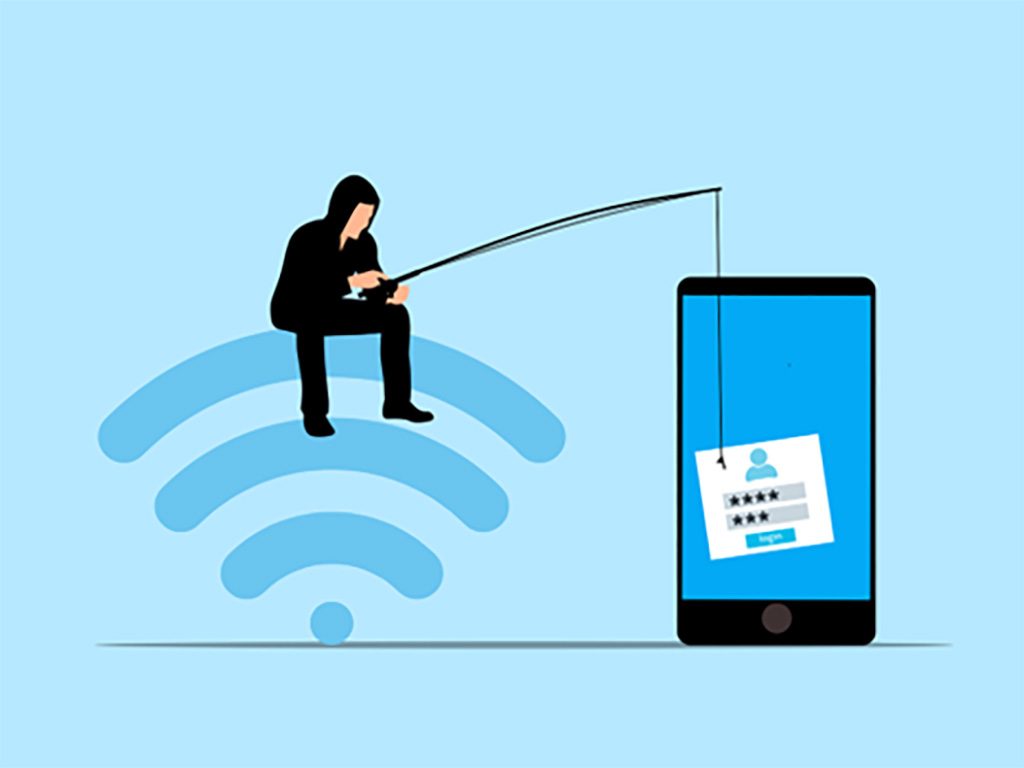
Phishing attacks are only dangerous if you fall for the scam and make that fateful click, but AI can certainly increase the feeling that a scam attack is actually legitimate.
Year after year, Phishing attacks remain at the top of the list of cyber threats and continues to evolve every year. Now, with AI, it's more dangerous than ever. Phishing 2.0 is here. It’s smarter, more convincing, and harder to detect. Understanding this new threat is crucial. Check with the cybersecurity experts on your IT Services team – they know.
A study by Zscaler found a 60% increase in AI-driven phishing attack. It was always serious, but now it’s worse. Here’s how AI is amplifying phishing and what you can do to protect yourself.
What is the exact meaning of phishing?
Phishing is a type of cyberattack that depends deceptive communications, predominantly emails, to trick people into doing one of two things:
1: Clicking on a malicious link or attachment that releases malware into the system.
2: Revealing sensitive information like passwords, credit card numbers, or other personal data.
This strategy arose from humble beginnings. Back when AOL was the big thing, attackers used email worm programs to send out spoofed emails to PayPal customers. Those customers were led to spoofed sites and asked to update their credit card details and other identifying information, and the crooks hoped someone would take the bait.
Those emails were usually easy to spot, as they typically used poor grammar and spelling, and told obvious lies. Many people could spot them easily, but like P.T. Barnum once said, “There’s a sucker born every minute.”
Its fundamental methodology hasn’t really change. But, while phishing is still the same, the tactics have become much more sophisticated – even the spelling and grammar have improved. Attackers now use AI to improve their tactics. AI helps them craft convincing messages and helps them target specific individuals. This makes phishing more effective.
How is AI used in phishing attacks?
Phishing is about fooling you, and AI creates more believable messages.
How it accomplishes this: AI can analyze huge amounts of data, which it uses to study how people write and speak. This helps it create realistic phishing messages. These messages sound like they come from a real person – often sounding like the person or entity that you believe sent the email. They mimic the tone and style of legitimate communications, making these scams harder to spot.
Personalized Attacks through AI
To get to ‘know you,’ AI harvests information from social media and other sources and uses this information to create personalized messages which mention details about your life. They might reference your job, hobbies, recent activities, or even your dog or cat. This personalization increases the chances that you'll believe the message is real.
Spear Phishing Becomes More Accurate
A more targeted type of attack, spear phishing goes after specific individuals or organizations. It's more sophisticated than regular phishing, and AI makes spear phishing even more dangerous by helping attackers research their targets in depth, crafting highly tailored messages. These messages are hard to distinguish from legitimate ones.
Phishing Automated Through AI
It’s much easier to automate many aspects of phishing with the help of AI. It can send out thousands of phishing messages quickly. It can also adapt messages based on responses. If someone clicks a link but doesn’t enter information, AI can send a follow-up email. This persistence increases the likelihood of success.
The Proliferation of Deepfakes
In the development of a Deepfakes, AI is a crucial factor, creating realistic but fake videos and audio. Attackers can use deepfakes in phishing attacks. For example, they might create a video of a CEO asking for sensitive information. This adds a new layer of deception. It makes phishing even more convincing.
How is AI changing phishing?
More Difficult to Detect
When facing AI-enhanced phishing attacks, traditional phishing detection methods often come up short. Spam filters may not catch them and employees may not recognize them as threats. This makes it easier for attackers to succeed.
Higher Success Rates
The difference between standard and AI-assisted fishing is that the old way is like a shotgun which sends shot pellets over a wide area, but with AI, phishing becomes more like a sniper rifle with a scope that sends a single bullet far downrange to the exact chosen target. AI makes phishing more effective because it seems real, causing more people to fall for these sophisticated attacks. This leads to more data breaches. Individuals face identity theft and other issues. Companies lose money – and some go belly-up.
Causes Greater Damage
Personalized attacks can lead to significant data breaches, allowing AI-enhanced phishing to cause more severe damage. Attackers can gain access to sensitive information. They can also disrupt operations. The consequences can be catastrophic.
What helps to safeguard against phishing?
1: Learn the Signs: Security Awareness Training
This is where Security Awareness Training is invaluable. Learn to spot the red flags like generic greetings, suspicious mannerisms (like joking from someone who never jokes), unusual links to URLs, unfamiliar sender addresses, and unexpected errors or faulty information. Stay informed about the latest threats.
Your IT Support can’t protect alone in a vacuum – whether you have an internal IT services department or an outsourced Managed Services Provider (MS). Your employees are your weakest link, but they are also your first line of defense. Make them strong and capable and encourage the flow of communication between them and your IT services provider.
2: Healthy Skepticism
Well-trained users develop a habit of being skeptical of unsolicited messages, even when they appear to come from a trusted source. Verify the sender’s identity. Don’t click on links or download attachments from unknown or unverified sources – that makes the attack successful.
3: Multi-Factor Authentication (MFA)!!!
We here at ITFIRM.COM repeat this recommendation over, and over, and over. MFA adds an extra layer of security. Even if an attacker gets your password, they’ll need another form of verification. This makes it harder for them to access your accounts.
4: Verify, Then Trust
Under NO circumstance ever provide sensitive information via email. If you receive a request, verify it through a separate communication channel. Don’t click a link or dial a number provided in the email. Contact the person directly using a known phone number or email address.
5: Use Advanced Security Tools
Investing in advanced security tools is well worth the money. Anti-phishing software can help detect and block phishing attempts. Email filters can screen out suspicious messages. Keep your security software patched and up to date.
6: Create an Incident Response Plan (IRP)
Log the attacks against you. Establish the steps that must be taken after an attack – the IRP. Any incident involving a cyber threat needs to be reported immediately phishing to your IT services team or email provider. This helps them improve their cybersecurity measures. It also helps protect others from similar attacks.
7: Establish Email Authentication Protocols
Enabling authentication protocols provides further protection against email spoofing. Look into SPF, DKIM, and DMARC. Ensure these protocols are enabled for your domain. This adds an extra layer of security to your emails.
8: Perform Ongoing Security Audits
Cybersecurity is never ‘One & Done.’ Conducting regular security audits helps identify vulnerabilities in your systems. Addressing these vulnerabilities can prevent phishing attacks.
Frequently Asked Questions
What can AI actually do?
The list of AI capabilities expands every day. The specific actions Artificial Intelligence (AI) can perform are already vast and growing exponentially. Fundamentally, AI makes it possible for machines to learn from experience, adjust to new inputs and perform human-like tasks.
Is AI a real danger?
There are dangers, but not If you approach its implementation with care. Developing AI with honesty and without supporting an ‘agenda’ should subvert any potential peril. Are we going to allow AI to take control of our nuclear arsenal? Are you crazy? Hopefully, the designers and developers have seen ‘The Terminator’ and will take severe steps to avoid ‘Skynet’ becoming self-aware and deciding human beings are in the way.
While there is an existential danger inherent in using AI, that risk is philosophical or sociological, rather than in the cinematic apocalyptic sense. AI in its current form can alter the way people view themselves. It can degrade abilities and experiences that people consider essential to being human.
Consider that 1960 movie ‘The Time Machine?’ With AI machines performing all our work, will we become listless and unmotivated like the Eloi, waiting to be spoon-fed to the Morlocks? Probably not, but it may well rearrange our society into a class or caste system if we are not watchful.
What are some examples of phishing?
The most common example is when the sender requests or entices you to perform a specific action:
Clicking an attachment
Enabling macros in a word document
Updating or confirming a password
Using a new Wi-Fi hot spot
Responding to a social media connection request
How do you know if you have malware?
f it’s Ransomware, you’ll know right away: your screen will lock up and a popup window will demand a ransom. Indications of other infections are:
System crashes
Computer slows - becomes sluggish
A barrage of unwanted ads
Loss of disk space
Browser settings/home page are suddenly changed
Increased internet activity
Loss of access to files/applications
Antivirus turns off
How secure is your network?
As a longstanding, reputable member of the Charlotte IT Support community, ITFIRM.COM offers a FREE, no-risk network and cybersecurity assessment. We perform a non-intrusive scan that allows us to deliver a comprehensive report of the state of your system and its vulnerabilities that is yours to keep. There are no strings attached, and you are under no obligation to ever to use our Managed IT services.
The two best defenses are next-generation network cybersecurity to protect your data from theft, and a top-notch Managed Services Provider (MSP) to ensure continued reliability and defenses against newly emerging threats.
We put our 100% Money Back Guarantee in writing, so there is no risk in trying us out. Because we do not require a ‘hard’ contract, our clients can fire us at any time with 30 days’ notice. We have to be good.
Among the Managed IT services we provide:
IT HelpDesk Service
Onsite IT Support
Cybersecurity
Cloud migration and management
Email migration services
Backup and disaster recovery
VoIP phone systems
IT disposition and recycling
Office moves
White label services (IT to IT)
Planning an Office Move?
Contact ITFIRM.COM today! We have the experience to ensure a seamless transition. After the move, your employees will arrive at the new location to find their IT infrastructure ready and open for business!
For more information on office moves, or to receive your FREE no-risk network and cybersecurity assessment, just fill out the form on this page or call us at:
704-565-9705
