
Most smart homes don’t arrive fully formed. You get a few smart gadgets and add more as you go. The question may be: How smart do you want your home to be? What makes it smart in the first place? While most of us have IT support at work, we may not have it at home, so be smart about how you set it up – including good cybersecurity.
What qualifies a home as a smart home?
One or two gadgets doesn’t do it. To be realistically smart, a residence needs to be equipped with internet-connected devices (The Internet of Things or IoT) that allow for remote monitoring, automation, and control of functions like lighting, temperature, and security via a smartphone or voice commands. It communicates and uses technology to control many parts of your home life, including turning lights on and off, working your HVAC, and unlocking doors. You can control these devices with your voice or smartphone. These connected devices are often enabled to talk to each other.
What is the smart home advantage?
There are plenty. If you want to save time and energy, consider a Smart home. If you don’t want to walk into a hot house on an August day, simply turn your A/C on before you leave the office. They can also make your home safer. Lastly, they are fun to use. You’ve seen those movies where somebody walks into their home and says, “Lights. TV news” and those things turn on. Just say it and watch it happen!
Getting started:
Usually, this is a step-by step process that begins with a couple of gadgets and snowballs. If you have the money, you could buy every gadget on the market at once, but this can easily create chaos and confusion. In order to make your smart home comprehensive, try this route:
The Hub comes first
The hub is the smart home controller, the brain and heart of your smart home. It unifies the different devices in your home into a single system, making them talk to each other to better work together. It also provides a single app to control your entire home.
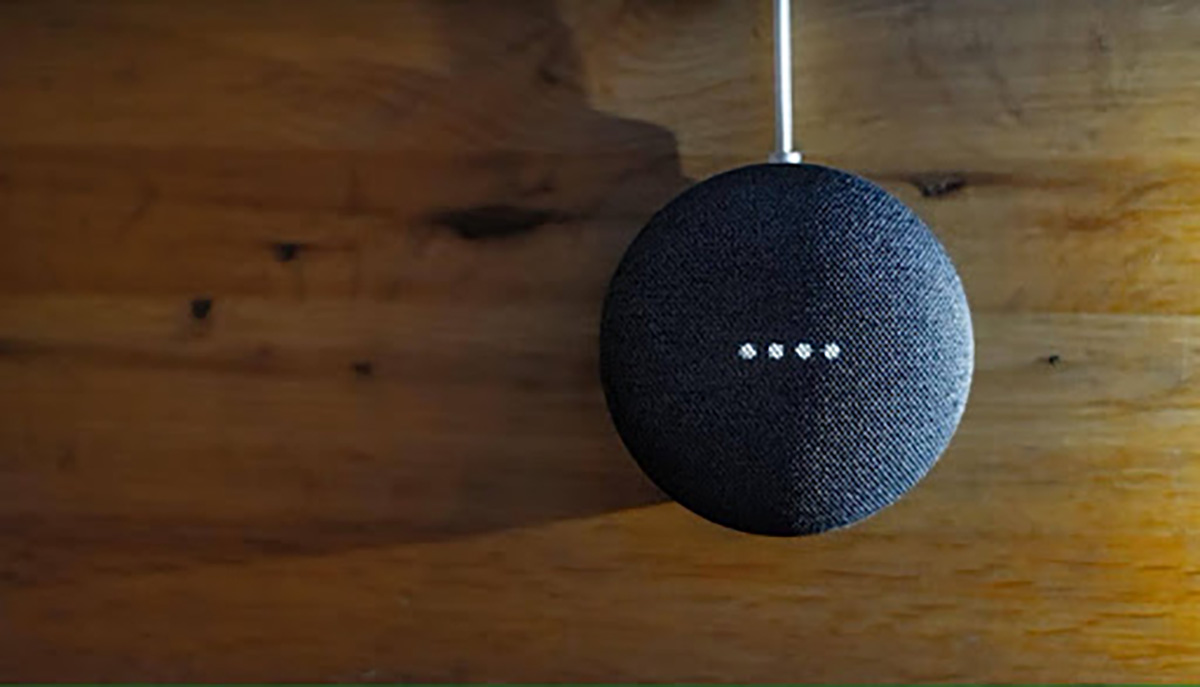
Amazon Echo and the Google Nest are common hubs. While Microsoft doesn't have a dedicated, standalone smart home hub device like some competitors, you can control smart home devices from your Windows PC using the "HomeHub" feature and Microsoft's Cortana voice assistant.
Get compatible devices
You will need all devices to work with your hub. When buying, look for phrases like “Works with Alexa” or “Google Home compatible.”
Carefully set up your Network
Since your network does most of the heavy lifting, be sure to set it up right. First, you need a strong Wi-Fi network and you might need to change your router. Some smart devices work best on their own network.
What are the most common smart home devices?
In 2026 , the most popular smart home devices focus on security, convenience, and energy efficiency, led by video doorbells (34% adoption), security cameras (32%), and smart thermostats (30%).
Generally, it’s good to start with the basics:
Lights
Control your lights with your voice or phone. You can dim, change colors, and set schedules.
Locks
In the simplest security terms, these let you lock and unlock your doors with your phone. You can also share digital keys with trusted guests. Bear in mind that this is just the start of good home security.
HVAC
Smart HVAC saves time, money and even misery. Don’t swelter or shiver when you get home, initiate heating or cooling before you get in your car – and forget about turning the heat or A/C on when you leave in the morning. By the time you return that night, you will have wasted some serious money.
These are the BIG THREE, but many other smart devices, like speakers, security cameras, and various media devices sure do make life easier!
You need to set things up so that all the devices in your smart home work together – it doesn’t happen automatically. Here are some useful tips:
Develop ‘use routines’
You can control many devices by setting up routines with one command. For example, teach your smart home your own routines, like what happens when you get out of bed in the morning. Create a routine so that when you say, “Good morning,” the lights will turn on and your coffee maker will start – you can also add TV news, music, and other devices to this routine.
Group your devices
Like the morning scenario above, put devices that either work in tandem or are in the same room into groups, so you can control all of them at once.
What are the security threats to smart homes?
A smart home requires both physical site security and cybersecurity – Do no neglect either. Just like your work network, your smart home needs good cybersecurity. The number one issue is Insecure Messaging Systems:
Get Smart Apps that can communicate with devices via message. So, a messaging system could be enabled to send a message to your bank account containing your pin number, providing it access to your account. What happens if that message is hacked? HINT: Nothing good.
Be aware that hackers can use Smart Apps to impersonate smart home devices, activating them and potentially breaching the physical security of your house.
Attack any design flaws head-on to secure your smart homes. For example, certain safeguards should be implemented to ensure that if a change is made, such as a PIN number, password, or routine, two-factor authentication is used to guarantee that the homeowner was the one who ordered that change. This ensures that the home is safe, even if it adds a mild layer of inconvenience for the homeowner.
The stronger the network, the stronger the protection
A lot of problems can occur due to poor Wi-Fi. Make sure your network is strong and stable.
Update your software
Software gets weaker as it ages. Update your devices with new software. This keeps them safe from hackers.
Learn to troubleshoot your smart home devices
The simplest advice in the digital world is ‘reboot.’ When in doubt, restart your devices. Just like with your computer, you can sometimes fix problems just by turning things off and then on again.
Ask for help
Look for devices with great customer service reviews – and don’t be shy about using it. Get customer support on the phone when you get stuck.
Frequently Asked Questions
Is Alexa the best smart home system?
‘Best’ is always largely subjective, but Amazon's Alexa does reign as the most popular voice assistant and smart home automation system. Alexa is built into millions of smart home devices, aiding users with everything from locking doors, dimming lights, playing songs, and even calling for help, all with a simple voice command.in the US.
There is a downside: be aware that Alexa records every conversation you have with her and transmits it back to Amazon, supposedly for the purpose of improving the service. But start taking note of the ads that appear after you’ve discussed possible purchases with her. ‘Kaeli Garner, et al,’ in a class-action, has filed a multibillion dollar lawsuit against Amazon over this issue.
What are the disadvantages of Alexa?
Sharing your conversations with Amazon, as noted in the previous FAQ, is a big one. Alexa has potential drawbacks including privacy concerns due to its always-listening nature and the potential for unintended recordings, as well as limitations in handling complex or multi-step requests.
How much does a full smart home cost?
It depends on how far you want to go. According to ‘Today’s Homeowner,’ “Most custom installations start at around $10,000 and easily go as high as $100,000, depending on the size of your home and desired level of automation. Your bill will be divided into three primary costs for any professional installation: devices, labor, and wiring.”
What smart home devices save money?
Smart thermostats, ceiling fans, and window coverings top the list. They help you use less energy and help keep the temperature more consistent.
How secure is your network?
As a longstanding, reputable member of the Charlotte IT Support community, ITFIRM.COM offers a FREE, no-risk network and cybersecurity assessment. We perform a non-intrusive scan that allows us to deliver a comprehensive report of the state of your system and its vulnerabilities that is yours to keep. There are no strings attached, and you are under no obligation to ever use our Managed IT services.
The two best defenses are next-generation network cybersecurity to protect your data from theft, and a top-notch Managed Services Provider (MSP) to ensure continued reliability and defenses against newly emerging threats.
We put our 100% Money Back Guarantee in writing, so there is no risk in trying us out. Because we do not require a ‘hard’ contract, our clients can fire us at any time with 30 days’ notice. We have to be good.
Among the Managed IT services we provide:
IT HelpDesk Service
Onsite IT Support
Cybersecurity
Cloud migration and management
Email migration services
Backup and disaster recovery
VoIP phone systems
IT disposition and recycling
Office moves
White label services (IT to IT)
Planning an Office Move?
Contact ITFIRM.COM today! We have the experience to ensure a seamless transition. After the office move, your employees will arrive at the new location to find their IT infrastructure ready and open for business!
For more information on office moves, or to receive your FREE no-risk network and cybersecurity assessment, just fill out the form on this page or call us at:
704-565-9705
